
Attention. If you cannot see the helper’s icon on your website go to General Settings and save settings. This is a known issue and will be fixed in the next update.
Setup Helper lets you test your consent banner, tracking tools and other modules of WP Full Picture, without logging out and using incognito mode in your browser.
To understand how it works, you need to know:
What happens when you click the “Setup helper” button
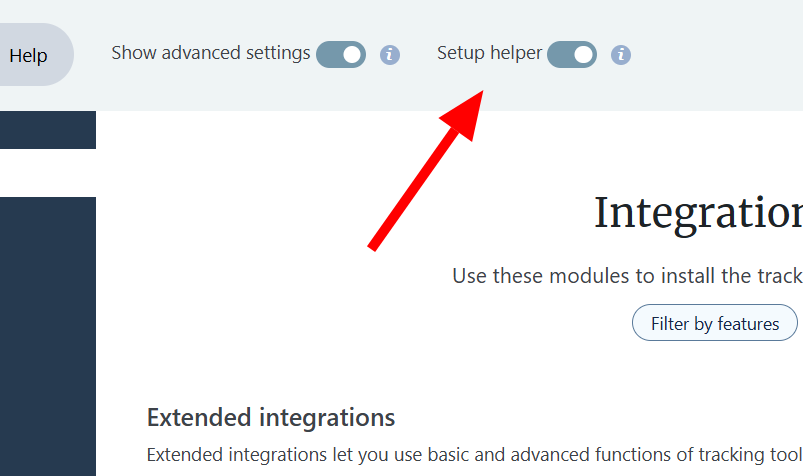
When you click the setup helper button, WP FP will do two things:
First, it will start adding (little) information to the debug.log file on your server (mostly informing about internal errors).
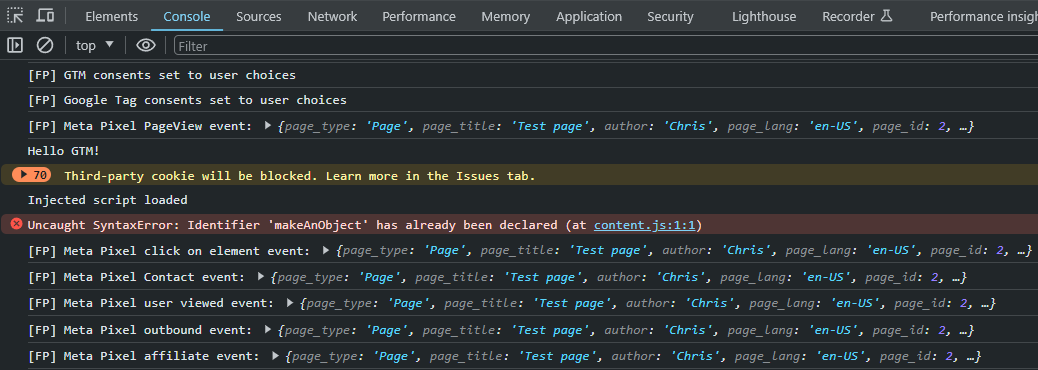
it will also start showing information in the browser console about actions done by the current user (logged in or not). This is very useful for debugging and does not pose any security risks.
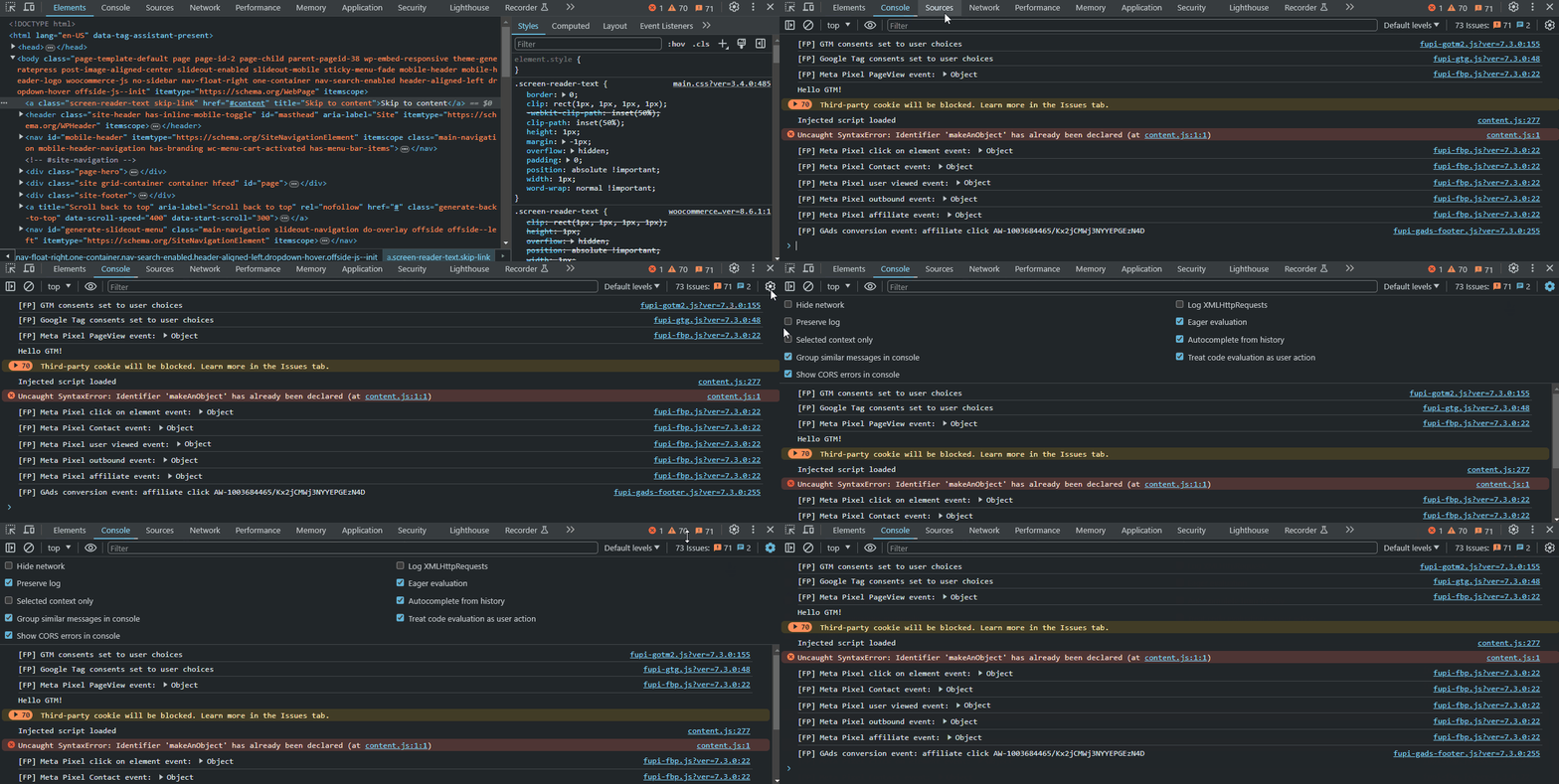
Here’s a tip. We strongly recommend you enable the option “Preserve log” in the settings of the browser console. This way, the information in the console will not be removed when you switch pages.
What happens when you start testing
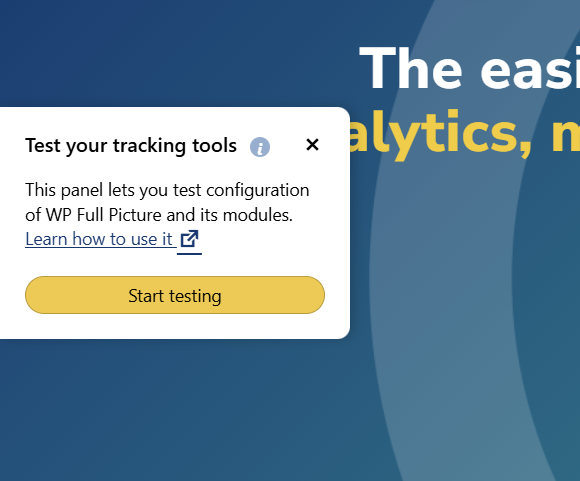
When you click the “Start testing” button, a few things will happen:
- You will start being tracked like all visitors (normally, website administrators are not tracked)
- You will see extra information in your browser console (see the previous section)
- You will see your consent banner (if you have it enabled). We cleared your cookie choices so that you can test how it behaves for new visitors.
- In the browser console, you will be able to view metadata information about the post, user and taxonomy term that are available on the page you are on. This is useful when setting up tracking metadata. To view the metadata, simply enter variables
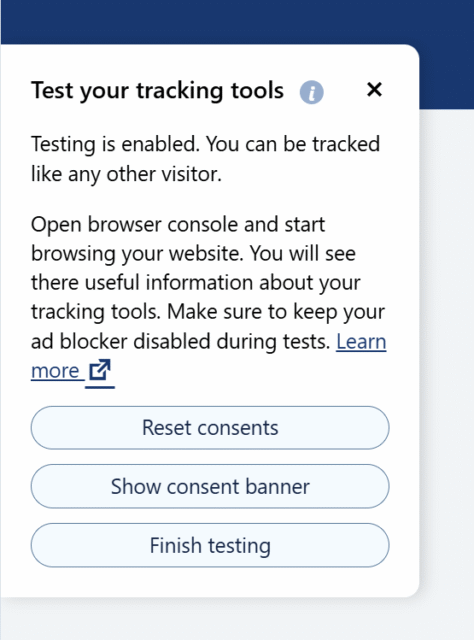
fp_usermeta,fp_postmetaorfp_termmetain the console. - You will also be able to clear cookie choices at any time using buttons in the testing panel.
View the video
This video talks about setup mode, which was later renamed to Setup Helper and slightly improved. However, the information in the video is still true to date.